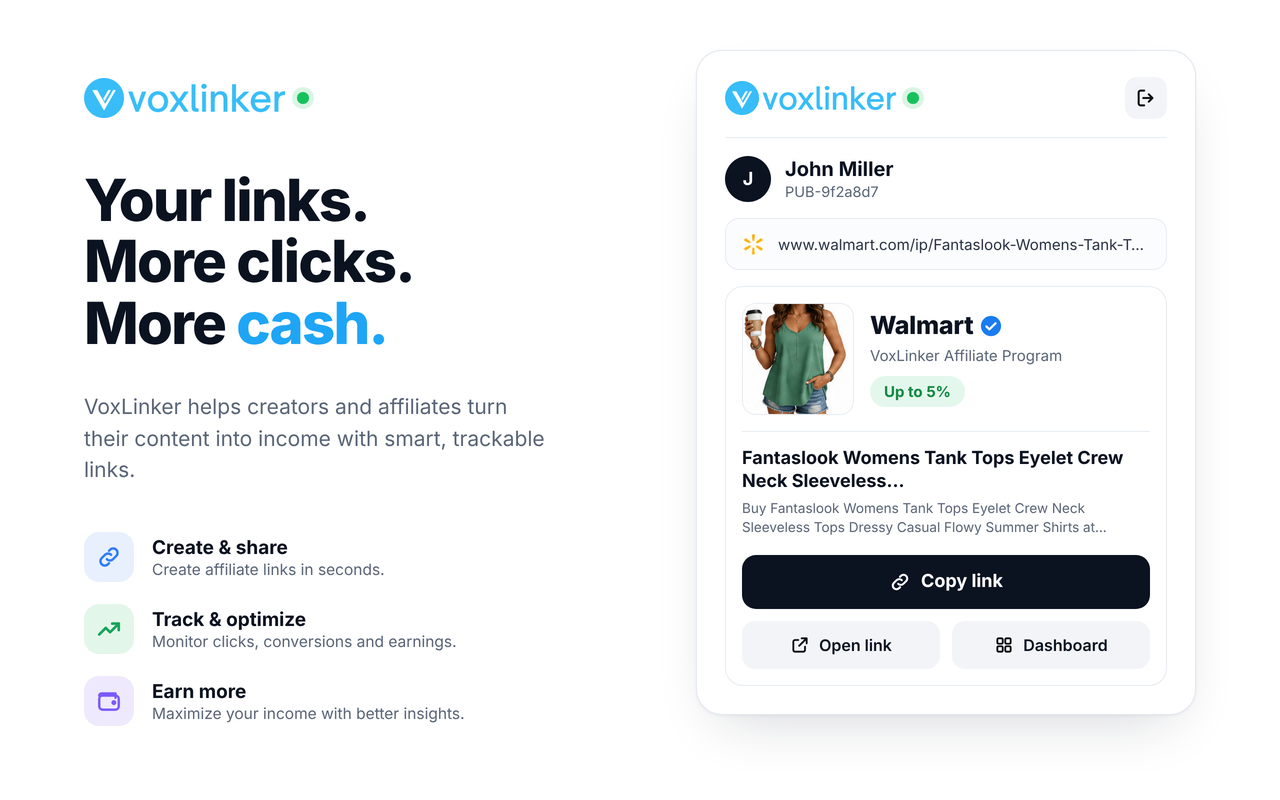
VoxLinker Extension
The VoxLinker Extension
Convert any product link into a tracked affiliate link in one click, right from your browser.
Prefer to read? The same steps are written out below. Open on YouTube
Pin the extension first
Step 1
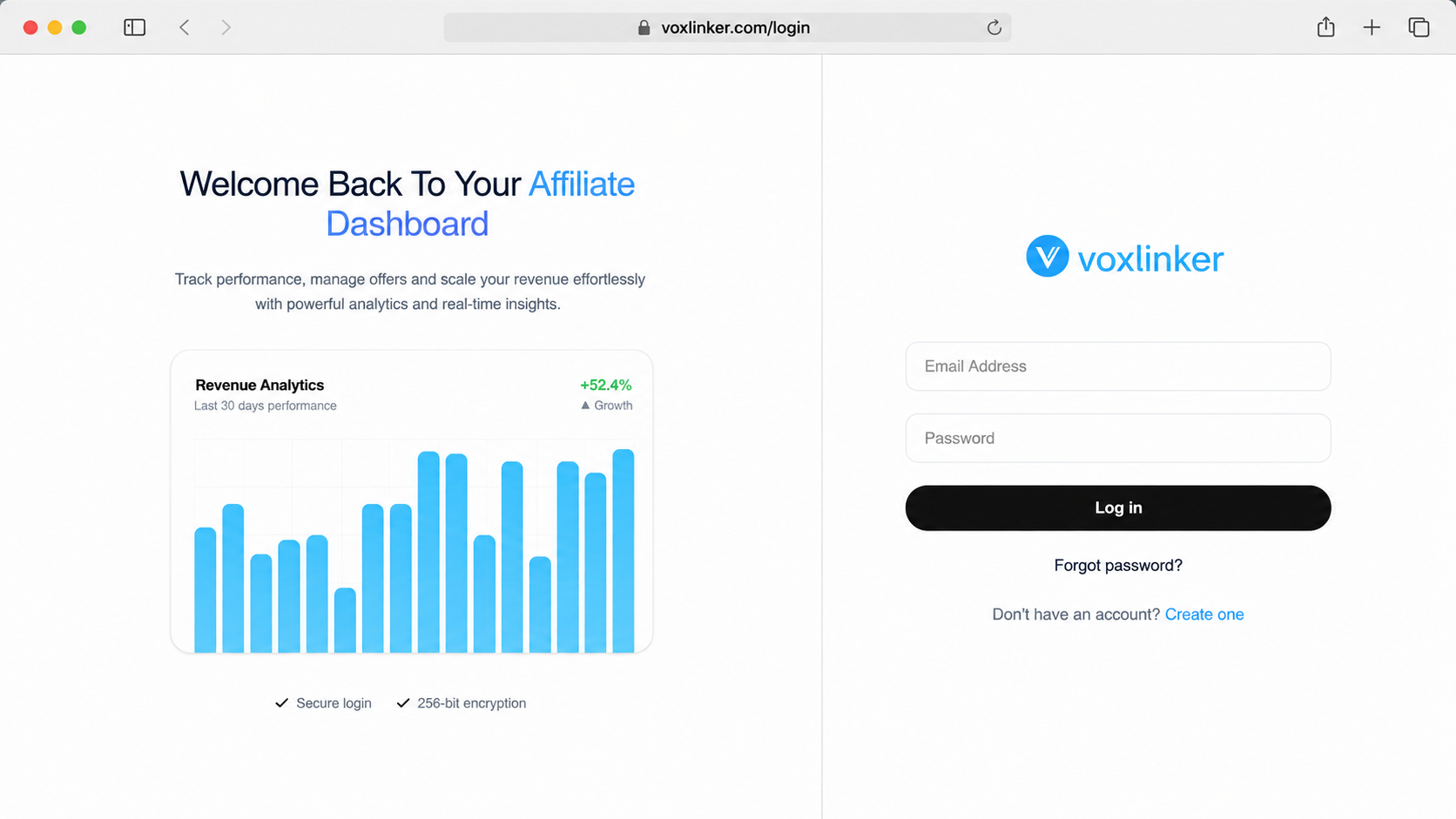
Log in to your VoxLinker account
Start by signing in on voxlinker.com — this is the account the extension will connect to.
Step 2
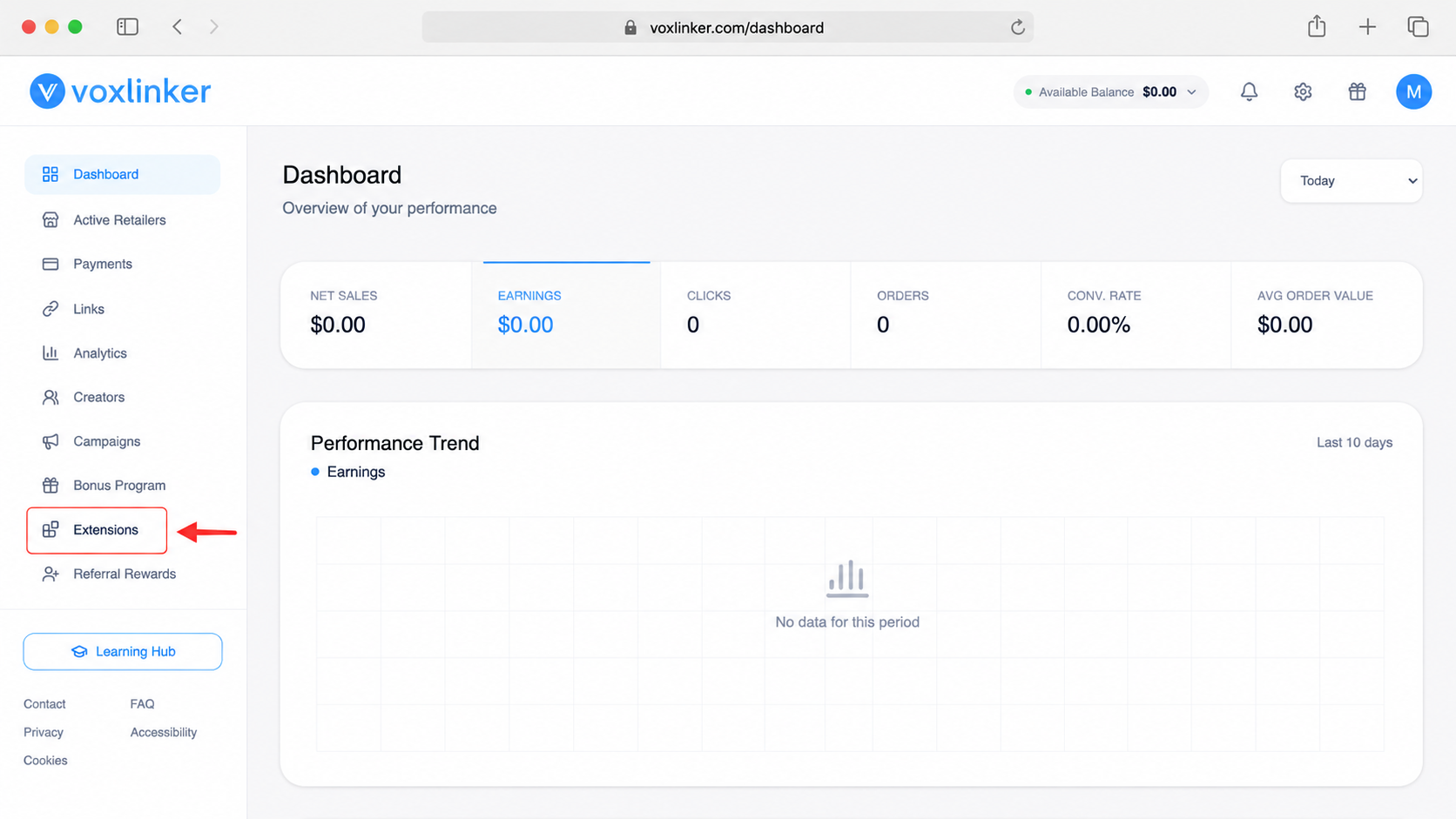
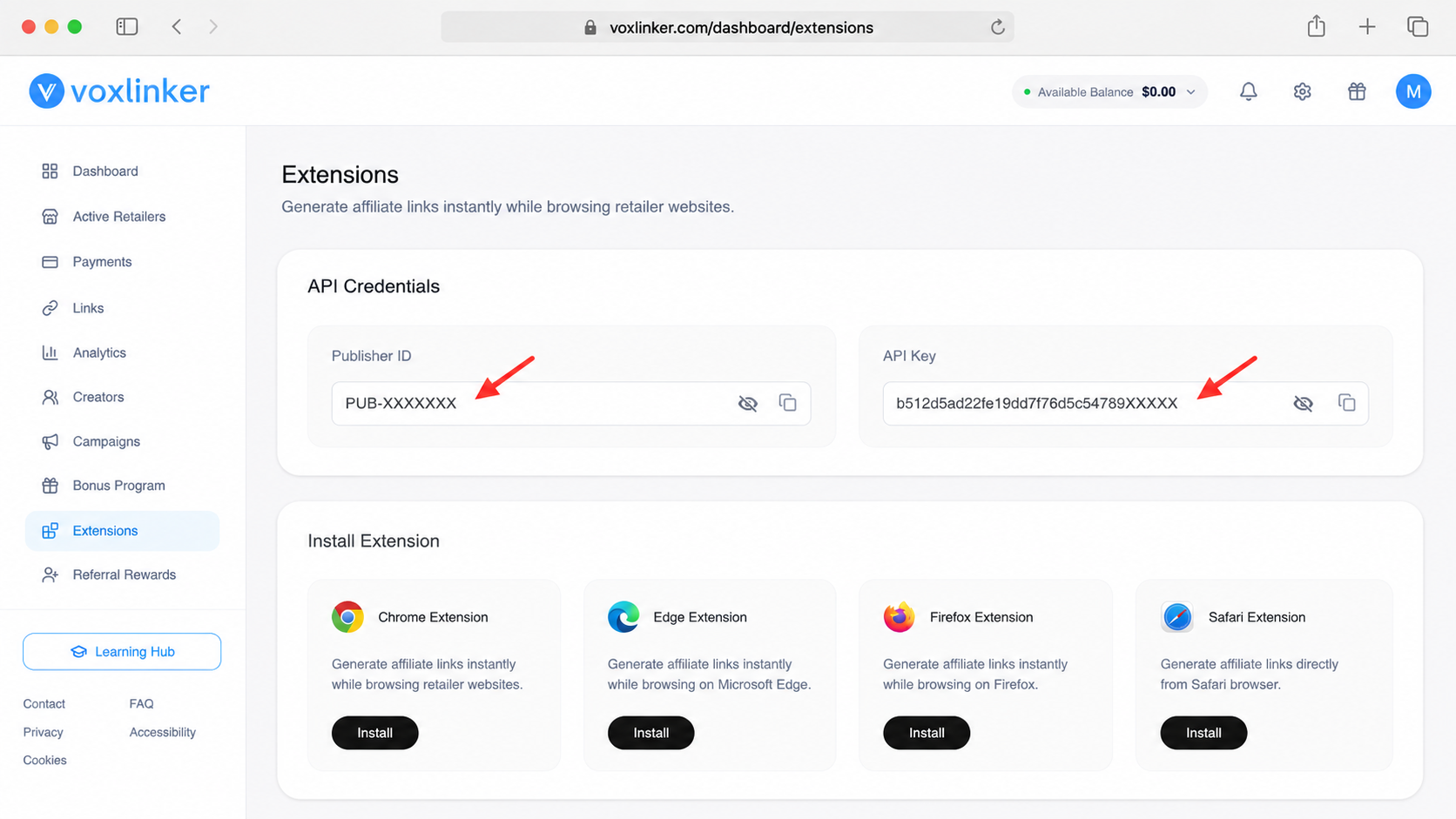
Open Extensions and copy your credentials
From your dashboard sidebar, click Extensions. You'll find your Publisher ID and API Key ready to copy — these are what link the extension to your account.
Step 3
Connect the extension
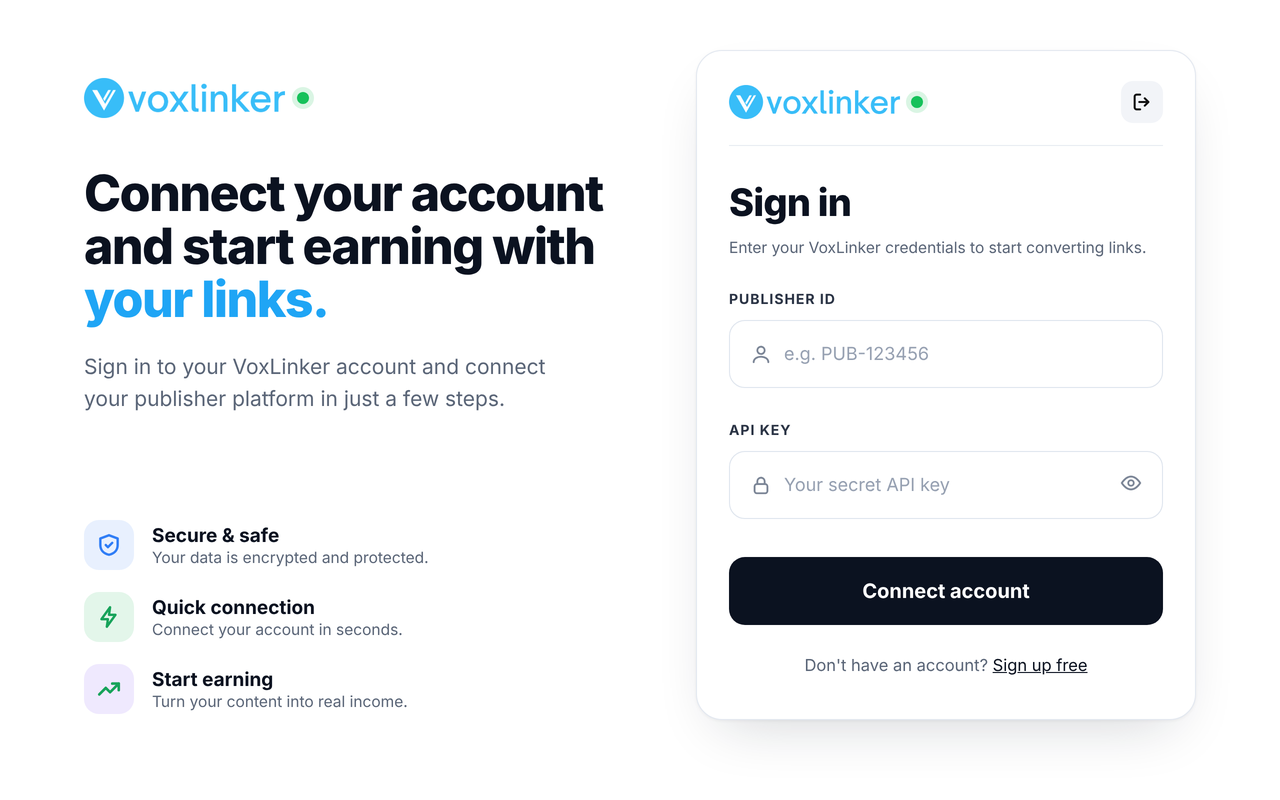
Open the VoxLinker popup in your browser, paste your Publisher ID and API Key, and click Connect account.
Step 4
Start converting links and earning
You're in. Visit any supported retailer, generate your affiliate link in one click, and track every sale from your dashboard.